As a small business owner, it’s important to prioritize cybersecurity in order to protect your company’s sensitive information and assets. Here are some best practices to follow in order to keep your business safe from cyber threats:
- Use strong, unique passwords for all of your accounts and regularly update them. Avoid using personal information or easily guessable words in your passwords.
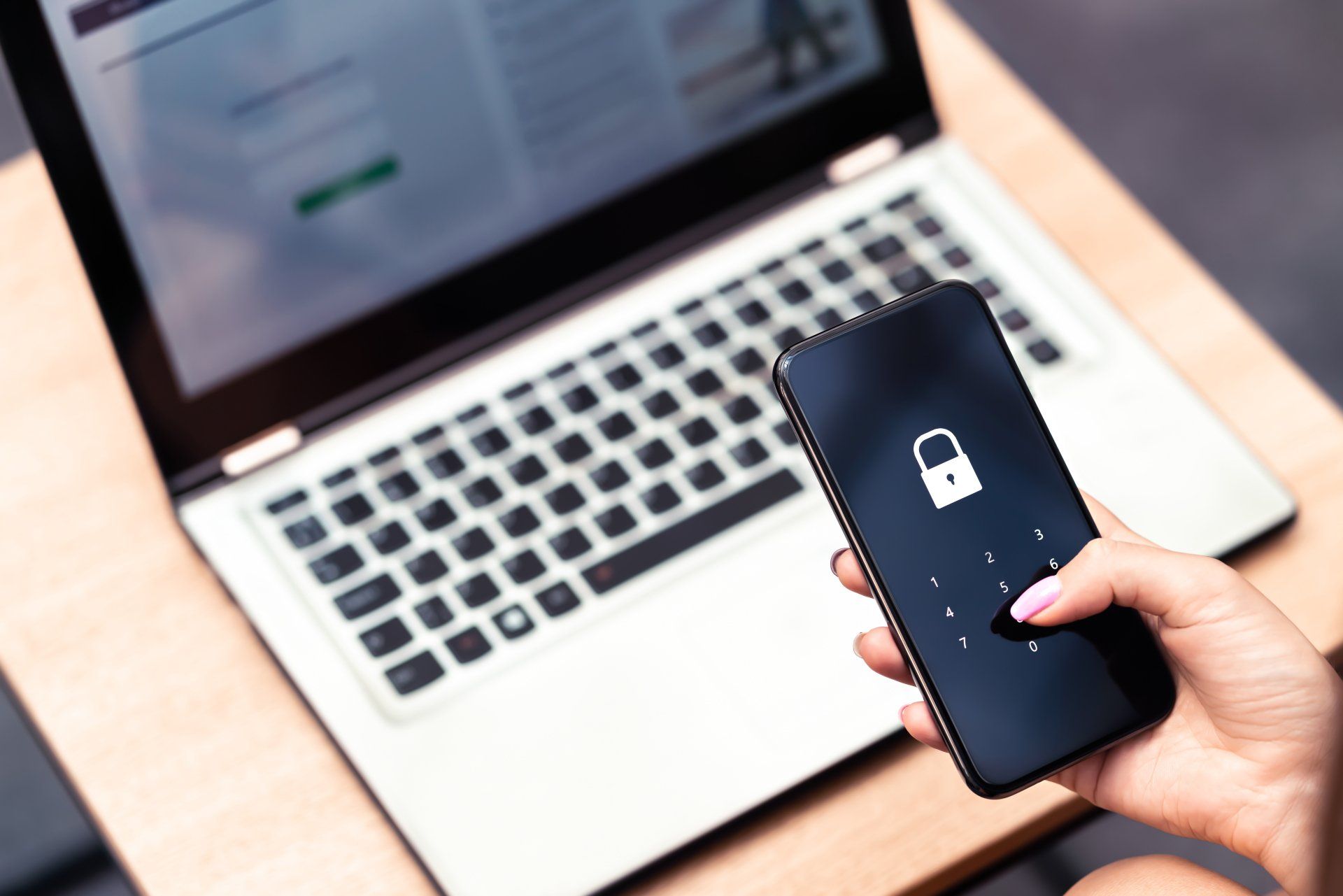
- Implement two-factor authentication whenever possible. This adds an extra layer of security by requiring a second form of verification, such as a code sent to your phone, in addition to your password.
- Keep your software and systems up to date with the latest security patches and updates. This helps to prevent vulnerabilities that could be exploited by attackers.
- Regularly backup your important data and store the backups in a secure location. This way, if your systems are compromised, you’ll still have access to your data.
- Be cautious when opening email attachments or links, even if they appear to come from a trusted source. Cybercriminals often use phishing scams to trick people into revealing sensitive information or downloading malware.
- Invest in a reputable antivirus and firewall software, and ensure that it’s always running and up to date. This will help to prevent malware infections and block malicious traffic from reaching your systems.
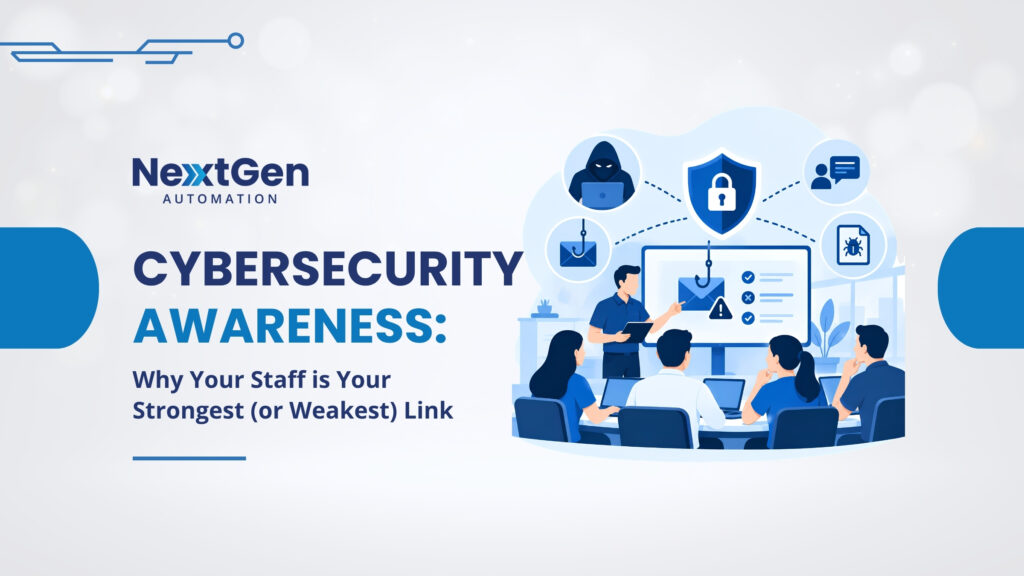
- Educate your employees about cybersecurity best practices and make sure they know how to identify and report potential threats. This can help to prevent accidental clicks on malicious links or emails.
By following these best practices, you can help to keep your small business safe from cyber threats. It’s important to regularly review and update your cybersecurity measures in order to stay ahead of the constantly evolving threat landscape.
Looking to invest in cybersecurity? Contact us today for a FREE office consultation with one of our dedicated experts.